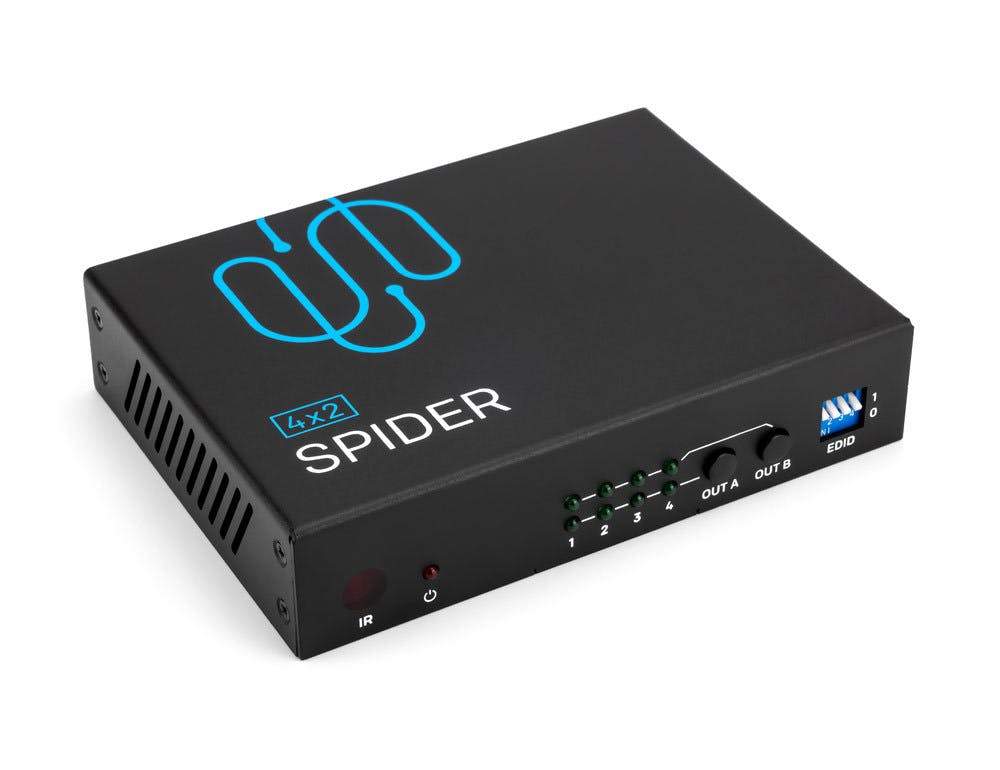
Sewell SwitchDeck 4K HDMI KVM Switch, Switch easily between two PCs/Macs/game console
The Sewell 4K HDMI KVM Switch allows you to quickly switch between two different computers without having to re-plug in your mouse, keyboard, monitor, or other peripherals. With a single button press you can switch between two computers/gaming consoles. For example you can have your gaming computer and work computer hooked up in the same space and use the same peripherals for both computers.

Easy Setup
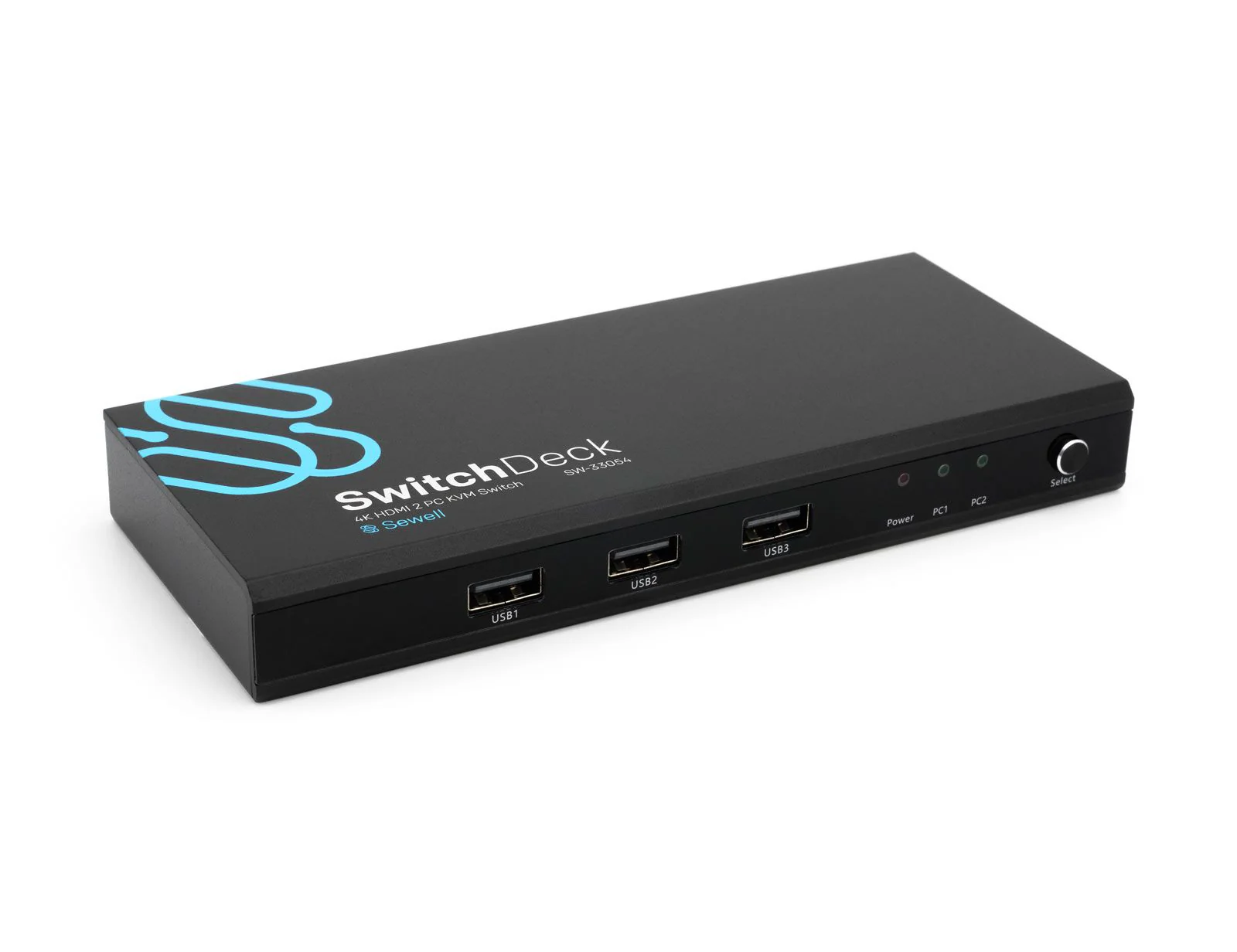
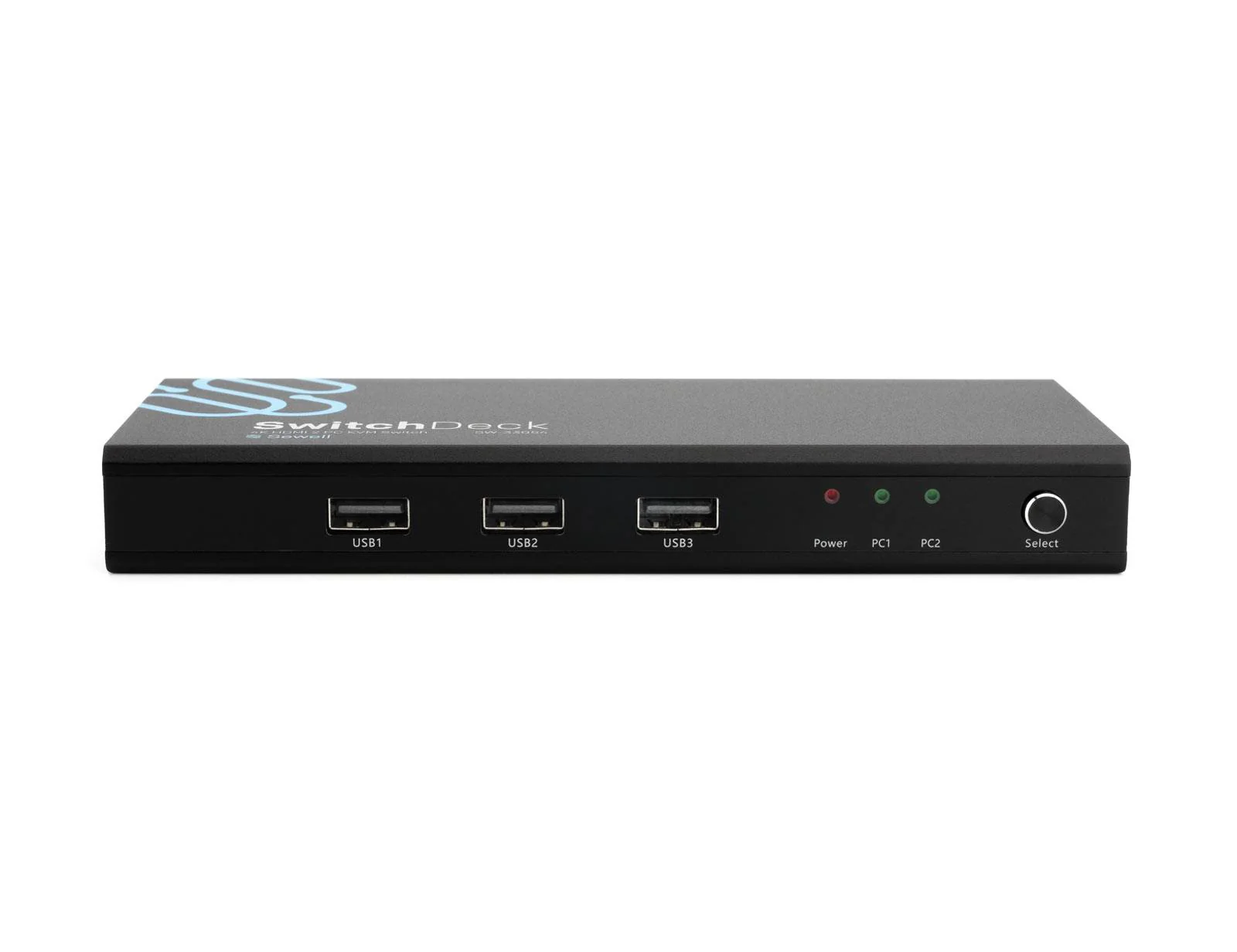
- Connect your display to the HDMI output and USB Peripherals to the front USB inputs
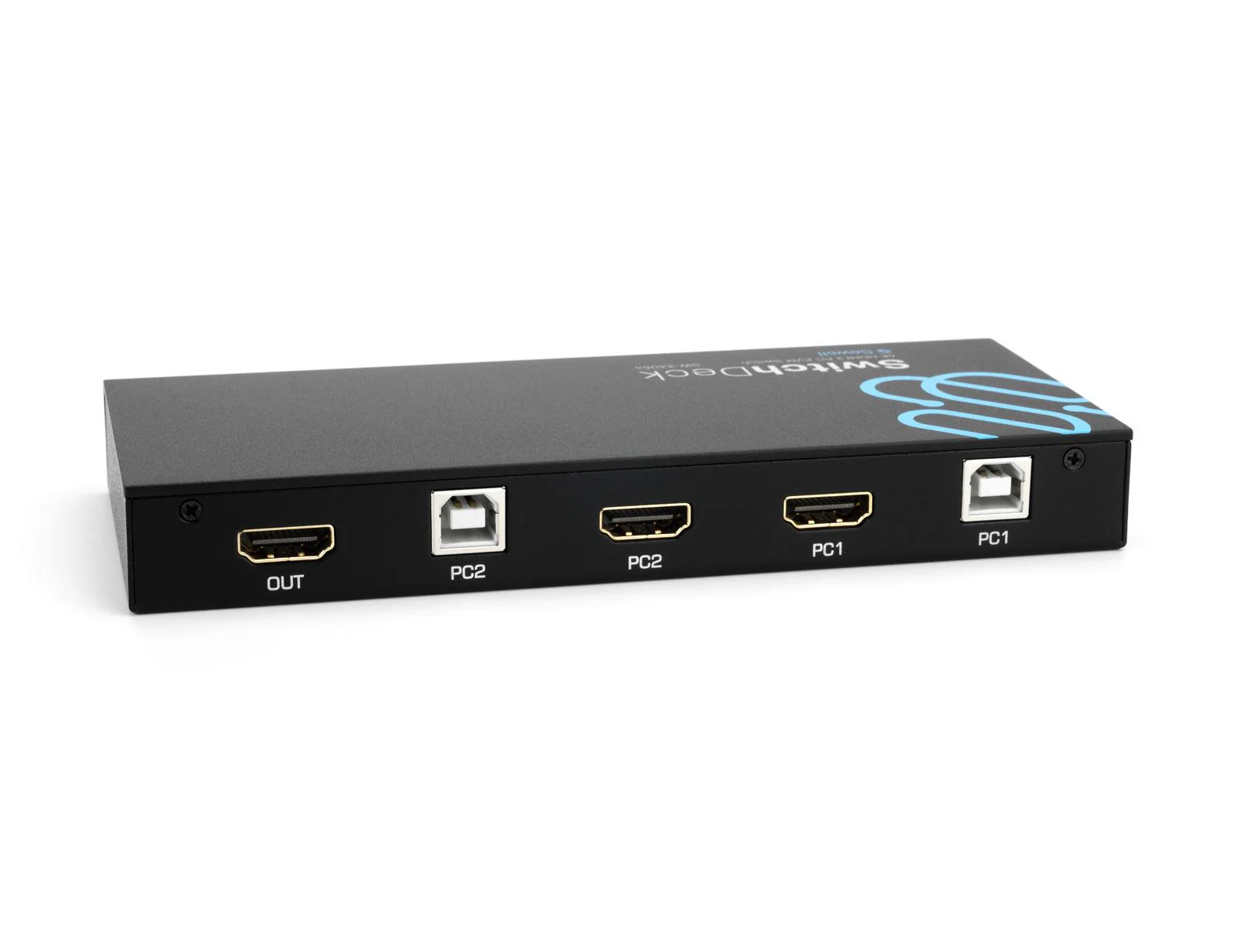
- Connect an HDMI Cable and USB Cable from PC1 to the corresponding inputs.
- Connect an HDMI Cable and USB Cable from PC2 to the corresponding inputs.
- Switch between PC1 and PC2 using the "Select" button on the front of the switch.
Specifications
- Supports Video input and output up to 4K 60Hz
- Supports USB 2.0 devices
- Supports HDMI 2.0 and HDCP 2.2
Box Contents
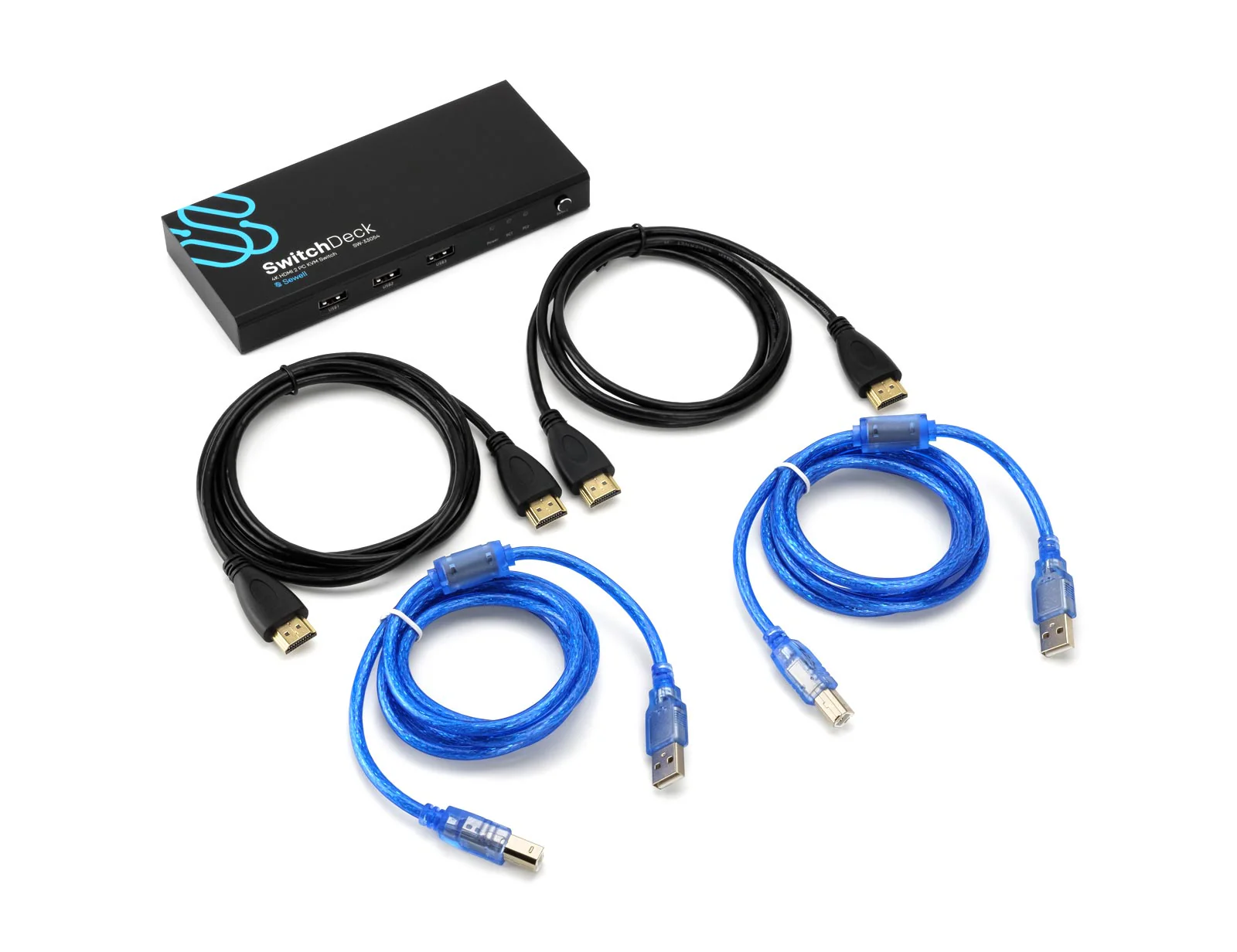
- x1 SwitchDeck 4k HDMI KVM Switch
- x2 HDMI Cables 5 ft.
- x2 USB 2.0 A to B Cables 4.5 ft.
- x1 Quickstart Guide
Original: $19.98
-70%$19.98
$5.99Product Information
Product Information
Shipping & Returns
Shipping & Returns
Description
The Sewell 4K HDMI KVM Switch allows you to quickly switch between two different computers without having to re-plug in your mouse, keyboard, monitor, or other peripherals. With a single button press you can switch between two computers/gaming consoles. For example you can have your gaming computer and work computer hooked up in the same space and use the same peripherals for both computers.
Easy Setup
- Connect your display to the HDMI output and USB Peripherals to the front USB inputs
- Connect an HDMI Cable and USB Cable from PC1 to the corresponding inputs.
- Connect an HDMI Cable and USB Cable from PC2 to the corresponding inputs.
- Switch between PC1 and PC2 using the "Select" button on the front of the switch.
Specifications
- Supports Video input and output up to 4K 60Hz
- Supports USB 2.0 devices
- Supports HDMI 2.0 and HDCP 2.2
Box Contents
- x1 SwitchDeck 4k HDMI KVM Switch
- x2 HDMI Cables 5 ft.
- x2 USB 2.0 A to B Cables 4.5 ft.
- x1 Quickstart Guide